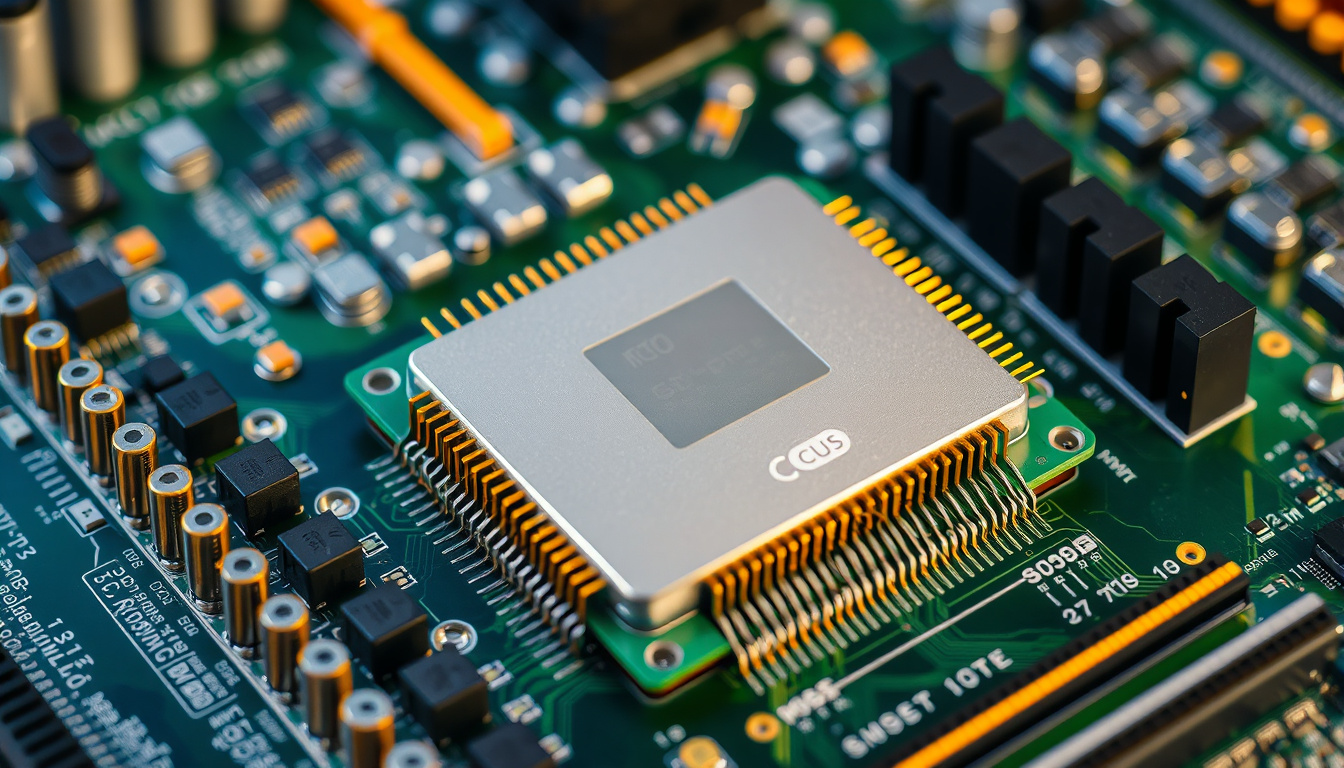
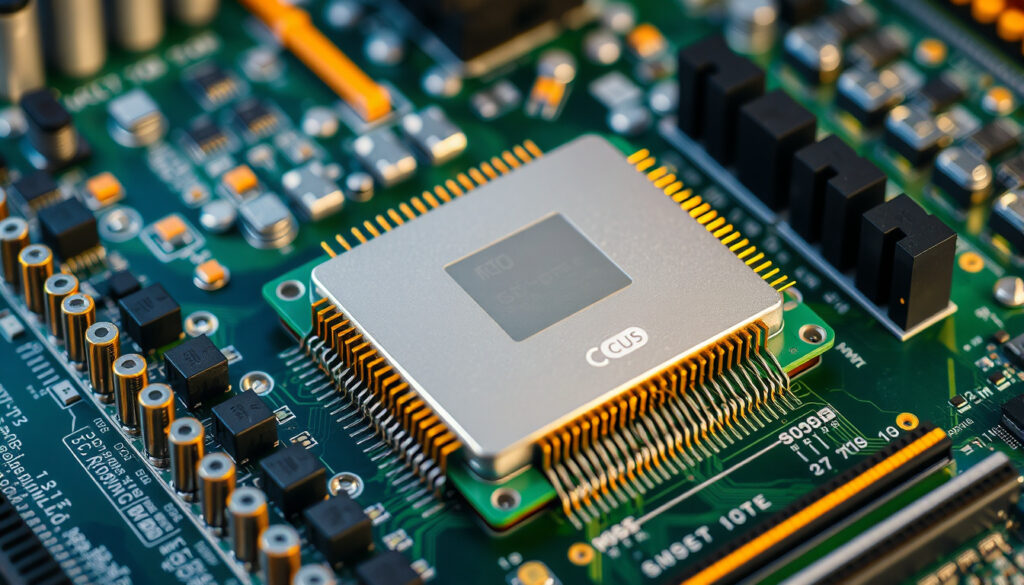
If you’ve ever wondered what makes your computer think, the answer lives in a small chip bolted to the motherboard: the CPU. Short for Central Processing Unit, this component runs everything from the moment you press the power button to the instant you close a tab. And while it sounds technical, the idea behind it is surprisingly human.
Full name: Central Processing Unit · Key components: ALU, Control Unit, Registers · Primary role: Executes instructions · Common nickname: Brain of the computer
Quick snapshot
- CPU executes program instructions (Lenovo US)
- Composed of ALU, CU, registers (CPU Architecture Explained – YouTube)
- Fetch-decode-execute cycle (Every CPU Architecture Explained – YouTube)
- Performance differences depend heavily on workload context
- Terms like “gaming CPU” are marketing labels, not technical definitions
- Hybrid architectures combining different core types on one chip
- ARM big.LITTLE design expanding into laptops and desktops
- Increasing core counts in consumer processors
| Label | Value | Source |
|---|---|---|
| Definition | Central Processing Unit | Lenovo US |
| Invented concept | 1945 von Neumann architecture | Cornell CS 3410 |
| Modern scale | Billions of transistors | Study.com |
| Speed measure | GHz clock rate | Red Hat |
| Examples | Intel Core i9, AMD Ryzen 9 | Lenovo US |
What is a CPU in a computer?
The CPU — Central Processing Unit — is the primary component of any computer or electronic device responsible for carrying out instructions and processing data to complete tasks assigned by programs or applications. Without it, nothing happens. The moment you open an app, load a webpage, or run a calculation, the CPU is working behind the scenes.
People often call it the “brain” of the computer, and the analogy holds: just like a brain processes information and makes decisions, the CPU takes in data, follows instructions, and produces results. The CPU executes software instructions, performs computations, transfers information, and manages input and output procedures.
Simple short answer
Put simply: the CPU is the part of your computer that runs programs. It fetches instructions from memory, decodes what those instructions mean, and executes them one by one. A CPU can execute millions of instructions per second, making it the workhorse of any computing device.
Role as central processor
The CPU’s role is to interpret and execute instructions. Every program you run — from a web browser to a video game — gets broken down into simple steps that the CPU carries out. This process happens over and over, at incredible speed.
The CPU stores an instruction pointer which points to the location in RAM where it will fetch the next instruction, and after executing each instruction, the CPU moves the pointer and repeats in the fetch-execute cycle.
Modern computers, from smart watches and tablets to supercomputers, all support true multitasking with multiple CPUs — though most consumer devices have just one physical processor with multiple cores.
The CPU is the primary component of any computer or electronic device responsible for carrying out instructions and processing data to complete tasks assigned by programs or applications.
— Lenovo US (computing hardware manufacturer)
Core functions
The CPU handles three fundamental jobs:
- Fetch — retrieving an instruction from memory
- Decode — figuring out what the instruction means
- Execute — carrying out the operation
This cycle repeats constantly while your computer runs. The fetch-decode-execute cycle is a fundamental characteristic of CPU design where the CPU fetches an instruction from memory, decodes what operation it represents, and then executes it.
An eight-core processor with hyperthreading can run 16 tasks simultaneously, with each CPU performing its own functions at the same time as all the other CPUs. That concurrency is what makes modern computers feel fast when multitasking.
10 key operations
Here’s what happens inside a CPU each second:
- Instruction fetch — grab the next command from memory
- Instruction decode — translate the command into action
- Data retrieval — load any needed values into registers
- Arithmetic operation — perform math or logic
- Result storage — save the output back to registers
- Memory write — move data to cache or RAM
- Branch prediction — guess the next instruction path
- Pipeline management — keep multiple instructions moving
- Interrupt handling — respond to urgent requests
- Synchronization — coordinate with other cores
The CPU instruction cycle involves the instruction being fetched and placed into the instruction register, then decoded with data placed into A and B data registers, then executed using those registers with the result put into the accumulator.
What is a CPU used for?
The CPU is responsible for executing every program on your computer. It handles the calculations that run applications, manages how data moves between components, and ensures your system responds when you press a key or click a mouse. Whether you’re typing a document, streaming video, or running a game, the CPU is the component doing the heavy lifting.
Fetch-decode-execute cycle
The CPU works through a repeating cycle: fetch an instruction, decode it, execute it, and move to the next. The CPU instruction cycle consists of fetch, decode, and execute components managed by the control unit and synchronized by the CPU clock.
Single-cycle processors execute all work for a single instruction in one cycle, resulting in a long clock period but allowing execution of n instructions in n cycles. Multi-cycle processors execute one stage per cycle, with every instruction taking five cycles to execute using the 5-stage model, but those cycles can be much shorter than for a single-cycle processor.
Key components
The CPU needs three essential building blocks to function:
- Arithmetic Logic Unit (ALU) — the computational engine that executes arithmetic, logical, comparison, and shift operations
- Control Unit (CU) — manages the flow of instructions and oversees all operations within the processor, directing the ALU, registers, and other processor factors as needed
- Registers — small, high-speed memory units serving as fast storage buckets for the CPU to read and write to
The Load Store Unit (LSU) handles data transfers between the register file and other memory components. The cache serves as high-speed memory where instructions can be copied to and retrieved, functioning as a critical CPU component.
The 5-stage model (fetch, decode, execute, memory, write-back) lets processors run instructions in parallel — like an assembly line. Even though each instruction takes 5 cycles, the pipeline keeps multiple instructions moving at once, dramatically boosting throughput.
Modern processors combine multiple cores with simultaneous multi-threading (SMT), where each core runs more than one thread at once, maximizing core utilization when some threads are waiting for data. Today’s consumer processors often have between 4 and 16 cores, while server and HPC processors can reach 64 cores or more.
The fundamental operational cycle of all CPUs for instruction processing remains consistent: fetch the instruction, decode it, execute it, and repeat. This cycle repeats millions of times per second in modern processors.
— Red Hat (enterprise open-source software company)
What are the types of CPU?
CPUs come in different architectures and configurations, each designed for specific use cases. Understanding the types helps you choose the right processor for your needs — whether you’re building a gaming rig, buying a laptop, or setting up a server.
Single-core vs multi-core
Early computers had one core CPUs that could only complete a single set of tasks at one time. A multi-core CPU places multiple independent processing units called cores onto a single chip, with each core able to execute its own sequence of instructions allowing several tasks to run in parallel.
Modern processors usually have between two and eight cores depending on their intended use case such as gaming or productivity-related tasks such as video editing or 3D rendering.
Multi-core CPUs contain two (duo-core), four (quad-core), or more (hexa-core, octo-core) cores on their chip, increasing the number of processes that can happen simultaneously. A quad-core processor can run four threads at once, improving multitasking and speeding up software that is written to take advantage of parallel execution.
x86 and ARM
There are two main categories of CPUs: x86/x64 and ARM, both performing the same basic functions but with key differences depending on device type. x86/x64 CPUs are designed for desktop computers, laptops, and servers, and are powerful processors that can handle larger workloads with ease. Examples of x86/x64 CPUs include Intel’s Core i3, i5, and i7 series as well as AMD’s Ryzen series.
ARM architecture prioritizes energy efficiency and is commonly found in mobile devices, embedded systems, and increasingly in laptops and desktops (such as Apple Silicon). Hybrid CPU architectures combine different types of cores on the same chip, each optimized for different workloads, with ARM’s big.LITTLE design being the most common model.
In ARM’s big.LITTLE design, big cores are powerful and optimized for performance, while little cores are smaller, more energy-efficient and handle lighter tasks. In hybrid architectures, the operating system dynamically switches between cores depending on the workload.
Big cores chew more power and generate more heat, but they finish tasks faster. Little cores sip energy and stay cool, but take longer on heavy work. The OS decides which to use — browsing on little cores to save battery, gaming on big cores for speed.
Superscalar architecture is a CPU design that allows the processor to execute multiple instructions per clock cycle by using multiple execution units inside the chip. This is different from simply adding more cores — it’s about doing more work per core per clock tick.
What is a CPU made of?
A CPU is built from billions of microscopic transistors etched into a silicon chip. Since the 1970s, CPUs have been constructed as a single integrated unit called a microprocessor, with individual components becoming so integrated that they cannot be recognized from the outside.
Internal parts
The processor contains several key functional blocks working together:
- Transistors — billions of them form the logic gates that process data
- ALU — performs arithmetic (addition, subtraction) and logical operations (AND, OR, NOT)
- Control Unit — directs data flow and interprets program instructions
- Registers — fast internal memory holding immediate values during processing
- Cache — high-speed memory buffers between CPU and main RAM
- Bus interface — connects the CPU to memory and other components
The CPU stores an instruction pointer which points to the location in RAM where it will fetch the next instruction, and after executing each instruction, the CPU moves the pointer and repeats in the fetch-execute cycle. The load store unit handles data transfers between the register file and other memory components.
The first mass-produced CPU was the Intel 4004, designed in the late 1960s by an Italian physicist and engineer named Federico Faggin. It used a 4-bit architecture — far simpler than the 64-bit systems common today. Yet the fundamental fetch-decode-execute pattern it established still runs in every modern processor.
Diagram overview
Data flows through the CPU in stages: fetched from memory into the L1 cache, decoded to understand the instruction, dispatched to the right execution unit, executed using the ALU, and finally written back to registers or cache. The cache has multiple levels — L1 is smallest and fastest, L2 is larger and slightly slower, L3 is largest and slowest among cache tiers.
A single-cycle processor executes all work for a single instruction in one cycle. A multi-cycle processor executes one stage per cycle, with every instruction taking five cycles to execute using the 5-stage model, but those cycles can be much shorter than for a single-cycle processor.
Modern desktop and server CPUs typically combine multiple cores with simultaneous multi-threading (SMT), where each core runs more than one thread at once. Today, consumer processors often have between four and 16 cores, while server and HPC processors can reach 64 cores or more.
Which is better for gaming – APU or CPU?
Gaming relies heavily on the processor for physics calculations, AI processing, and game logic. The CPU-vs-APU question matters because it affects what you can play, at what quality, and for how much money.
APU vs CPU
An APU (Accelerated Processing Unit) integrates CPU and GPU on a single chip. It handles both processing and graphics, which keeps costs down and power consumption low. A dedicated CPU handles processing tasks while a separate GPU handles graphics rendering.
For gaming, a dedicated CPU with a separate GPU typically outperforms an APU. The CPU handles game logic while the discrete GPU focuses on rendering — this specialization delivers better frame rates and higher visual quality.
Top 5 CPUs
Current high-performance options include the Intel Core i9-14900K with 24 cores and 32 threads, the AMD Ryzen 9 7950X3D with 128MB of 3D V-Cache for gaming, the AMD Ryzen 7 7800X3D as an 8-core gaming option, the Intel Core i7-14700K with 20 cores and 28 threads, and the AMD Ryzen 5 7600X as a mid-range 6-core choice.
The pattern across top gaming CPUs: high core counts paired with large cache sizes, especially for AMD’s 3D V-Cache models which are specifically optimized for gaming workloads.
APU GPU performance is suitable for esports and older titles at low settings, but struggles with modern games at higher resolutions and quality levels. If gaming is your priority, budget for a dedicated GPU alongside your CPU.
Upsides
- Dedicated CPUs offer higher raw performance for demanding applications
- Multi-core processors improve multitasking and parallel workloads
- Discrete GPU pairing delivers better gaming visuals and frame rates
- More headroom for streaming, video editing, and content creation
- Options available across budget, mid-range, and enthusiast segments
Downsides
- APUs provide integrated graphics suitable for basic and esports gaming
- Lower power consumption in mobile and integrated solutions
- APU cost includes both CPU and basic GPU capability in one chip
- Simpler system builds with fewer components to manage
- ARM big.LITTLE designs balance efficiency for everyday tasks
CPU specs and options
Processor specs reveal how a CPU will perform across different tasks. Knowing what to look for helps you match the chip to your workload.
These three tiers show how consumer CPUs segment across budget, mid-range, and enthusiast markets.
| Tier | Core range | Best for | Source |
|---|---|---|---|
| Budget | 2–4 cores | Basic tasks, light office work, browsing | Lenovo US |
| Mid-range | 6–8 cores | Gaming, productivity, content creation | CPU Architecture Explained – YouTube |
| Enthusiast | 8–24 cores | Professional workloads, heavy multitasking, top-tier gaming | Red Hat |
The takeaway: budget chips handle basic tasks fine, mid-range offers the best value for most users, and enthusiast chips provide headroom for demanding workloads — but they’re overkill for everyday computing.
Current flagship CPUs represent the cutting edge of consumer and professional processor design.
| CPU | Cores/Threads | Base/Boost Clock | L3 Cache | Architecture |
|---|---|---|---|---|
| AMD Ryzen 9 7950X3D | 16/32 | 4.2/5.7 GHz | 128MB 3D V-Cache | x86-64 (Zen 4) |
| Intel Core i9-14900K | 24/32 | 3.2/6.0 GHz | 36MB | x86-64 (Raptor Lake) |
| AMD Ryzen 7 7800X3D | 8/16 | 4.5/5.0 GHz | 96MB 3D V-Cache | x86-64 (Zen 4) |
| Intel Core i7-14700K | 20/28 | 3.4/5.6 GHz | 33MB | x86-64 (Raptor Lake) |
| AMD Ryzen 5 7600X | 6/12 | 4.7/5.3 GHz | 32MB | x86-64 (Zen 4) |
| Apple M3 Max | 16 | 3.0/ GHz | System-level | ARM64 |
For gamers and creators: mid-range to enthusiast chips offer the best performance-to-price ratio. Budget options work for basic tasks but will show their limits with demanding applications.
Related reading: What is critical thinking · Chloroplasts absorb energy from what
totalphase.com, cs.tulane.edu, blikai.com, eureka.patsnap.com
Modern CPUs rely on their internal CPU cache levels like L1, L2, and L3 to store frequently accessed data, dramatically improving speed for gaming and everyday tasks.
Frequently asked questions
What is a CPU short answer?
A CPU (Central Processing Unit) is the main processor in a computer that executes instructions to run programs, process data, and coordinate hardware components.
What is a Central Processing Unit?
The Central Processing Unit is the primary component responsible for carrying out instructions from programs. It fetches instructions from memory, decodes them, and executes them to complete tasks.
What is a CPU for dummies?
Think of the CPU as the brain of your computer. It receives instructions, figures out what needs to be done, and then does it. Every action on your computer — opening a file, playing a game, loading a webpage — involves the CPU processing that instruction.
What are CPU examples?
Common CPU examples include the Intel Core i5 and i7 series, AMD Ryzen 5 and Ryzen 9 series, and ARM-based processors like Apple’s M-series chips found in Mac computers and mobile devices.
How to explain CPU to a child?
Tell them the CPU is like a robot inside the computer that follows instructions. When they press a button on a game, the CPU gets a message saying “player pressed a button,” figures out what that means in the game, and tells the game what to do next. It does this millions of times every second.
What is the difference between a PC and CPU?
A PC (personal computer) is the entire machine — including the case, screen, keyboard, and all internal components. The CPU is a single chip inside the PC that handles the actual processing of instructions and data. The CPU is one part of a complete computer.
What are the top 5 CPUs?
Current top processors include the AMD Ryzen 9 7950X3D, Intel Core i9-14900K, AMD Ryzen 7 7800X3D, Intel Core i7-14700K, and AMD Ryzen 5 7600X, representing the highest-performance options for gaming and productivity workloads.
Related stories





Samuel Hart is Devices & Reviews Editor at ScopePress.uk, covering smartphones, laptops, hardware and hands-on reviews.